Command palette
Press ⌘K (Ctrl+K on Windows) anywhere in the event editor, or click the search box in the top bar.
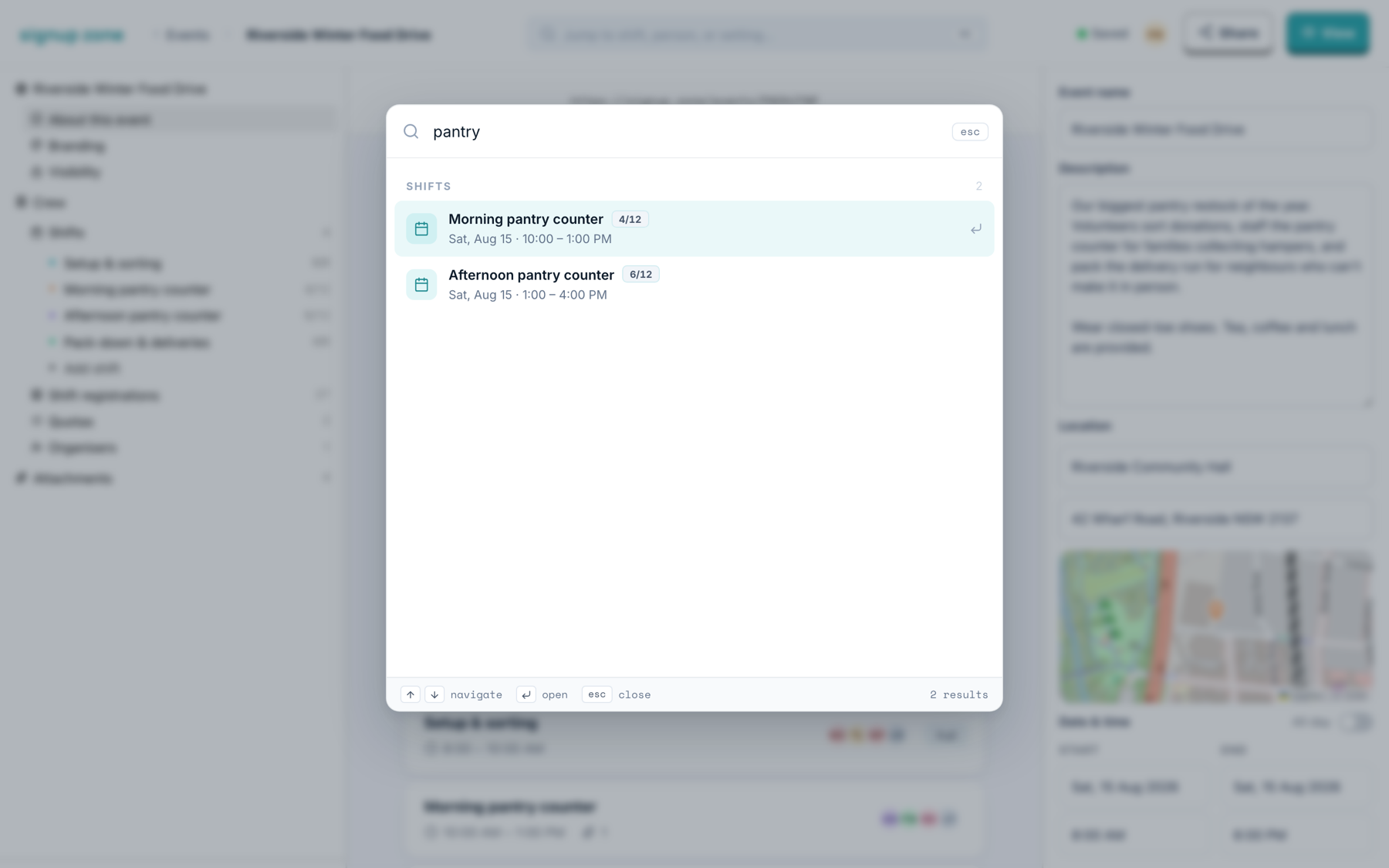
Type to search. Use ↑ ↓ to move, ↵ to open and esc to close.
What it searches
| Group | Results |
|---|---|
| Shifts | Every shift, with its time and how full it is. Opens the shift editor. |
| People | Anyone signed up, by name. Opens their registration. |
| Organisers | Your co-organisers. |
| Sections | About this event, Branding, Visibility, Registrations, Organisers. |
| Actions | Publish event, Add a new shift, Invite organiser. |
The palette searches across the whole event. The left nav and the registrations filters work within one section.