Event basics
About this event sets the event's name, description, dates and location.
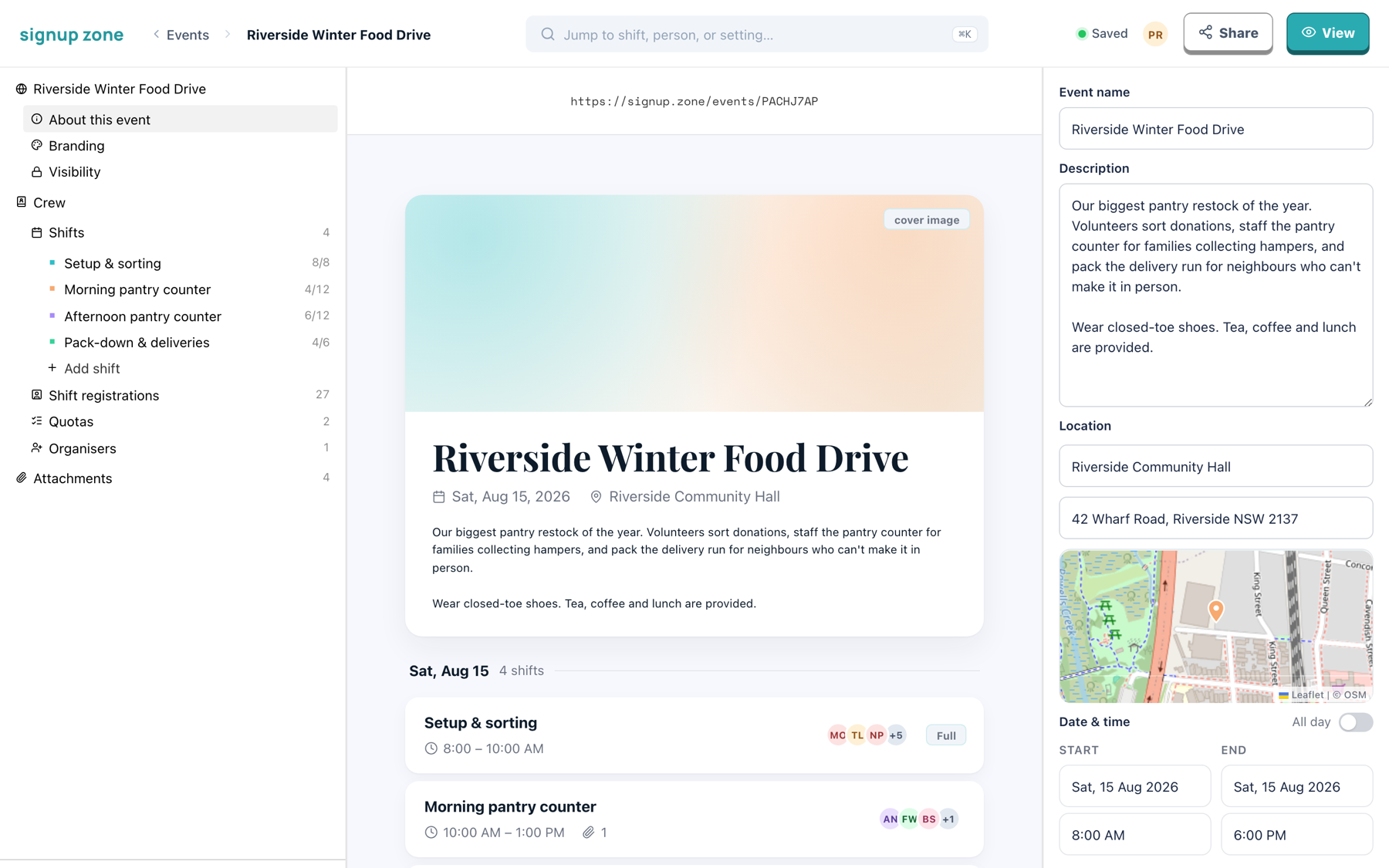
Edit in the form on the right. The middle column previews the public page as you type, and changes save automatically.
Name and description
The name appears on the public page, in reminder emails and in calendar entries.
The description describes the event as a whole. Blank lines become paragraphs. Put per-shift detail in that shift's public notes instead.
Date & time
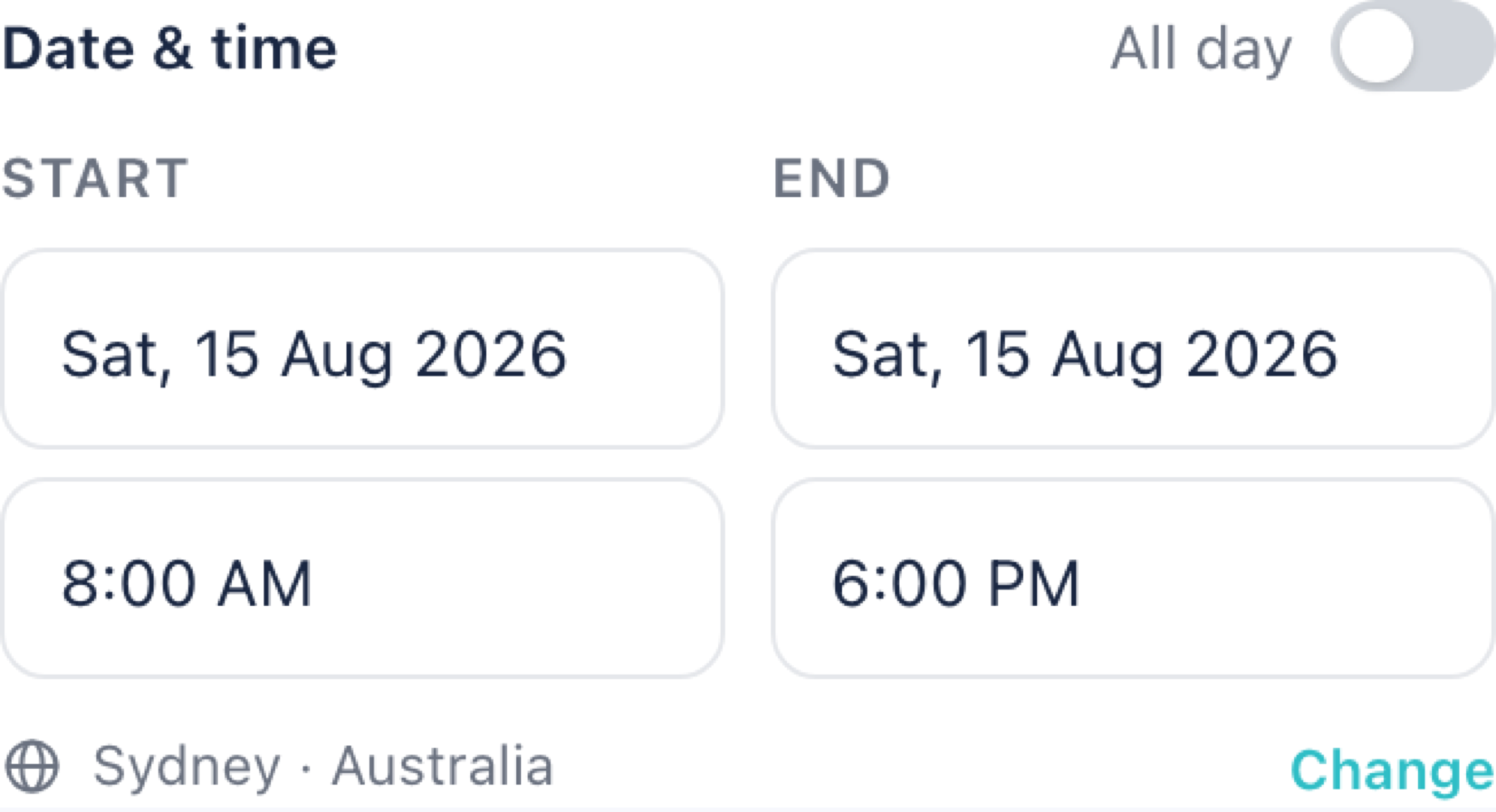
Set the start and end of the event. Shifts sit inside this range and have their own times.
Turn on All day to hide the time fields.
Timezones
The event timezone is shown under the dates, with a Change link.
Set the timezone before building shifts
Times are stored as wall-clock times in this timezone: 10:00 means 10:00 where the event happens.
Changing the timezone does not move existing shifts. A 10:00 shift stays 10:00 and now means 10:00 in the new zone.
Location
- Place name — for example, "Riverside Community Hall"
- Street address — for example, "42 Wharf Road, Riverside NSW 2137"
The map preview updates from the address, and volunteers get a View on map link.
A shift can set its own location. Leave a shift's location blank to inherit the event's.