Attachments
Available on Basic and Professional
Attachments are files and links for volunteers, such as handbooks, maps and run sheets. They appear on the public page and are sent with confirmation and reminder emails.
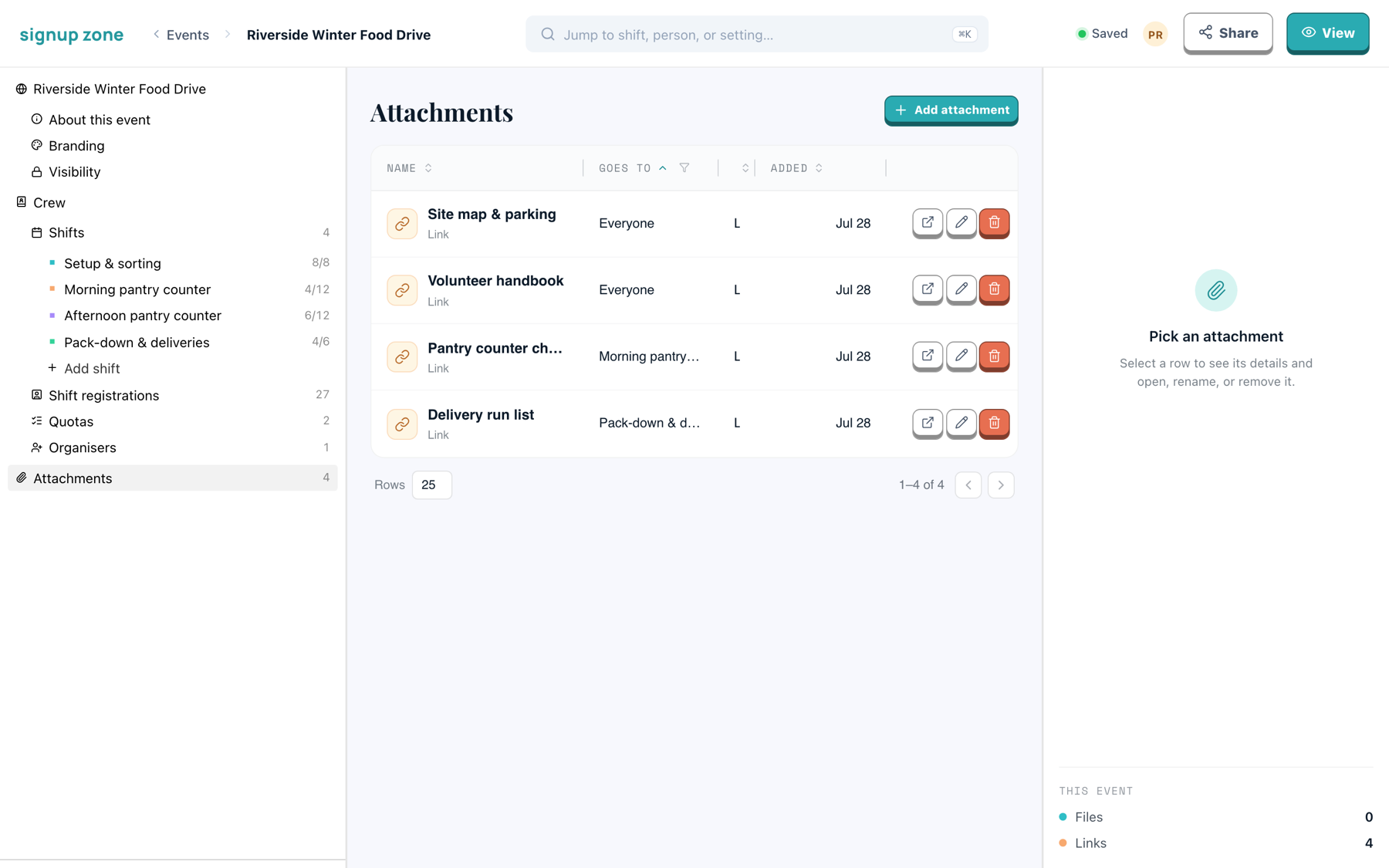
Scope
Each attachment has a Goes to setting:
| Goes to | Who receives it |
|---|---|
| Everyone | Anyone signed up to any shift on the event. |
| A shift | Only people on that shift. Available on Professional. |
Volunteers receive both sets: the event's attachments plus their own shift's.
Add event-wide attachments here. Add shift-specific ones from the shift's Files section. Both are listed in this table.
Files and links
Click Add attachment and choose either:
- a file to upload, or
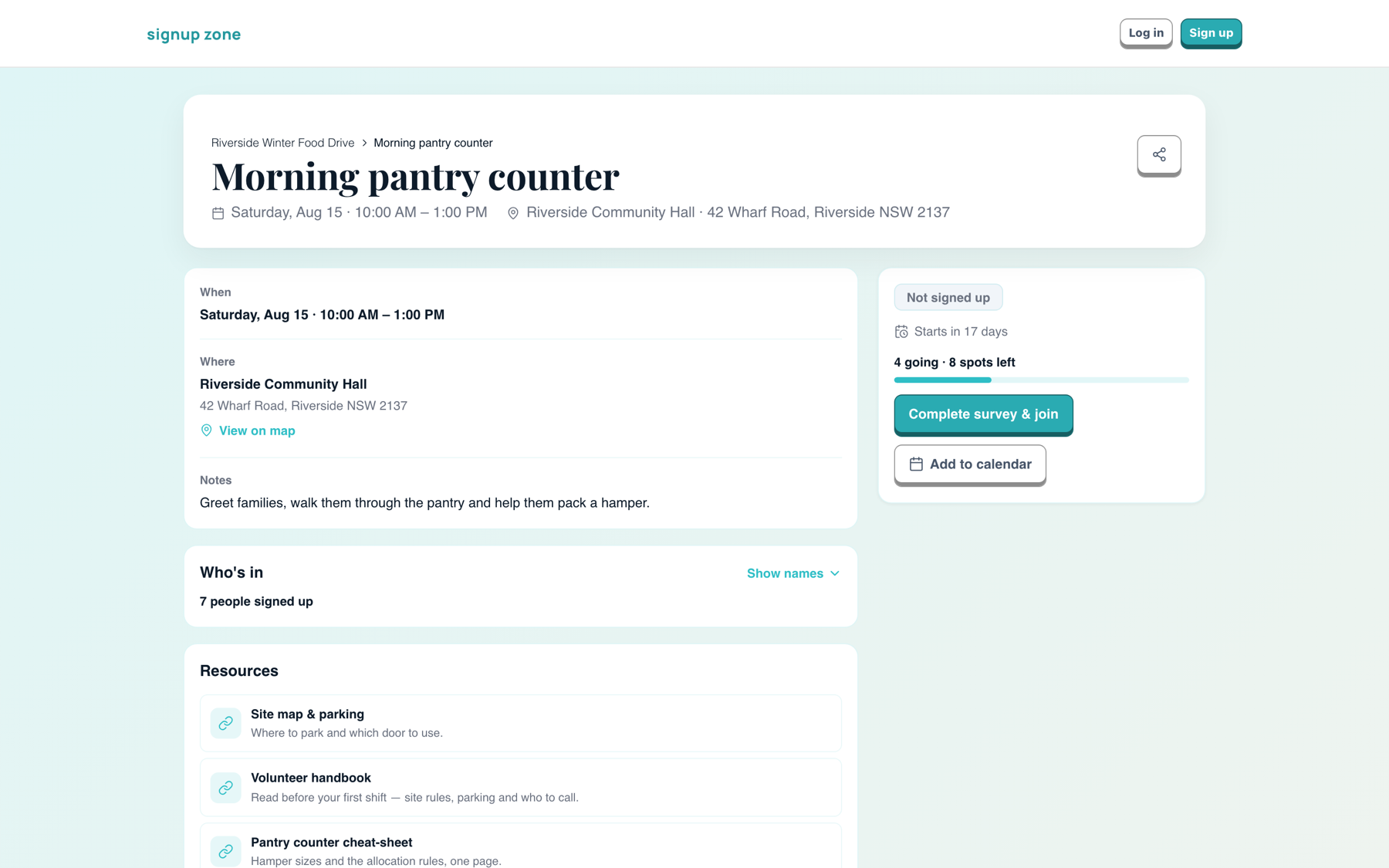
- a link to a document you host elsewhere.
Both appear under Resources on the public shift page:
WARNING
A single email can carry 25 MB of attachments, counting the event's and the shift's together. Above that, files stop being attached to reminders. Links do not count towards the limit.
Managing attachments
Each row has three actions:
- Open — opens the link or downloads the file
- Rename — changes the display name only
- Delete — asks to confirm, then removes it from the event and future emails
Select a row to open the detail panel, which adds the description and who uploaded it.
Related
- Building shifts — shift-level files