Branding
Branding controls how the public event page looks. The preview in the middle of the editor updates as you change each setting.
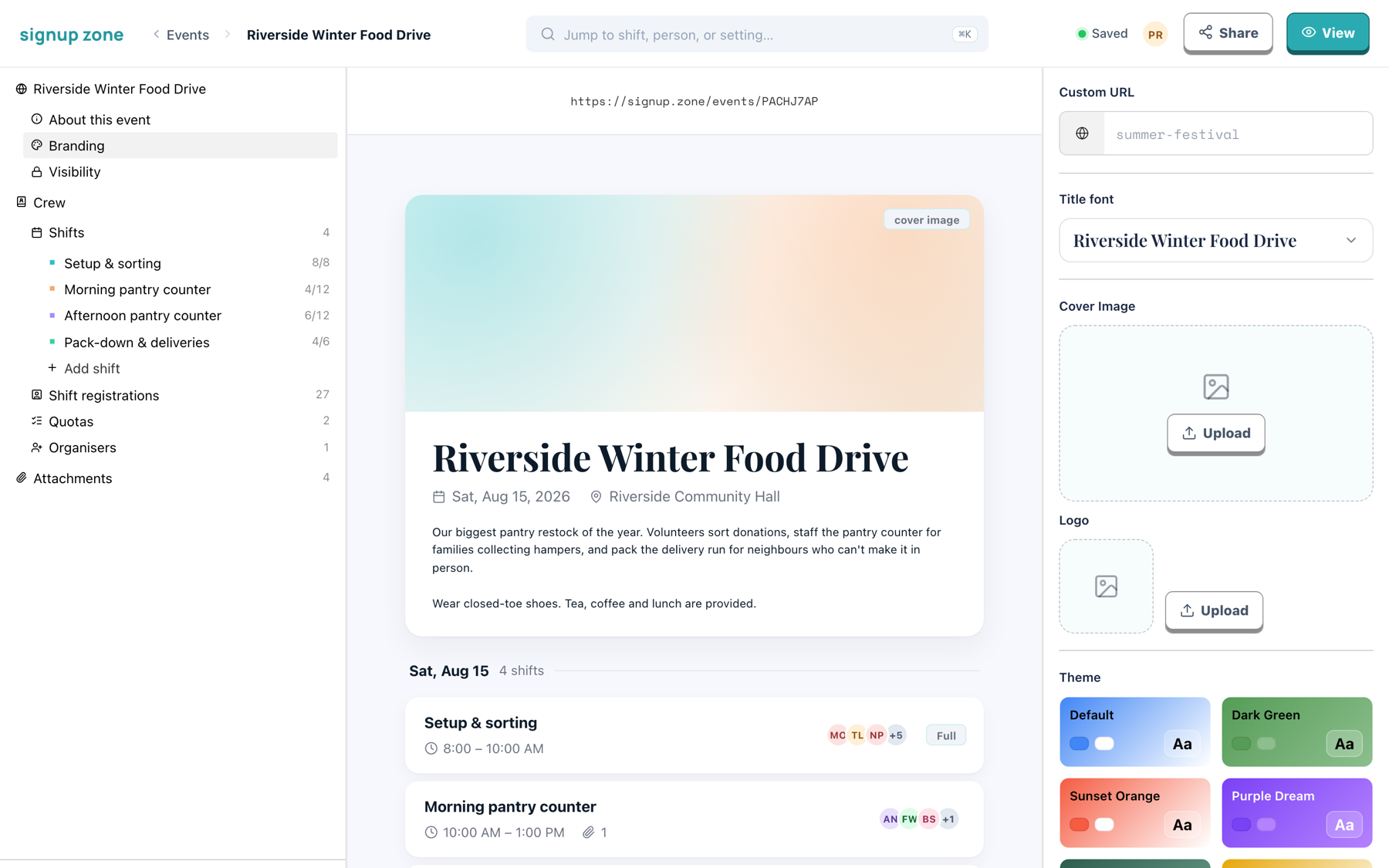
Custom URL
Available on Basic and Professional
Replaces the generated address:
https://signup.zone/events/8RTHFTHR → https://signup.zone/riverside-food-driveType the ending you want in the Custom URL box. It must be unique across Signup Zone.
WARNING
Changing a custom URL breaks the previous link. Set it before sharing the event.
If your subscription ends, your custom URLs keep working for 30 days. After that they are released and anyone can claim them, and the event goes back to its generated address. Resubscribe within the 30 days and nothing changes.
Cover image and logo
Available on Basic and Professional
- Cover image — the banner across the top of the public page. Use a landscape image and keep the important part centred; the page crops to a wide strip.
- Logo — shown alongside the event title.
Click Upload on either to add or replace an image.
Title font
Available on Professional
Sets the typeface of the event title on the public page. The dropdown previews each option using your event name.
Theme
Available on Professional
Sets the colours of the public page. Click a swatch to apply it.